Werk24 AI-powered technical drawing analysis
  • Casi d'uso

    Scopri come Werk24 si integra nel tuo flusso di lavoro

    • Automazione dei prezzi e dei costiEstrai PMI dai disegni per quotare i pezzi in secondi anziché in ore.
    • Analisi di fattibilitàClassifica automaticamente le richieste in base ai vincoli delle tue macchine e processi.
    • Confronto tra fornitoriIndirizza ogni richiesta ai fornitori più adatti ad aggiudicarsi il lavoro.
    • Inserimento dati ERPCompila anagrafiche materiali e distinte base direttamente dal disegno.
  • Storie di successo

    Come i nostri clienti utilizzano Werk24

    • Analisi Additiva — DiManExRevisioni di idoneità additiva più rapide con dati strutturati dai disegni.
    • Automazione degli Acquisti — SaphirionCiclo di pricing autocorrettivo basato sui costi di produzione reali.
    • Analisi di Fattibilità — Produttore Tedesco di Materie PlasticheTriage automatizzato delle richieste al posto delle verifiche manuali di fattibilità.
    • Preventivo in Tempo Reale — LaserhubEstrazione PMI di livello ingegneristico per preventivi più rapidi e accurati.
  • Prodotto
  • Prezzi
  • Sicurezza
  • Risorse

    Guide, riferimenti e approfondimenti

    • DocumentazioneRiferimento API e guide all'integrazione per sviluppatori.
    • BlogApprofondimenti sull'automazione dell'estrazione dei dati dai disegni tecnici.
  • Accedi
  • Registrati
Blog

Blog

Questo blog fornisce approfondimenti sull'automazione dell'estrazione di dati da disegni tecnici e sul miglioramento dei processi di produzione, aiutando i professionisti a navigare nelle complessità di PMI e GD&T.
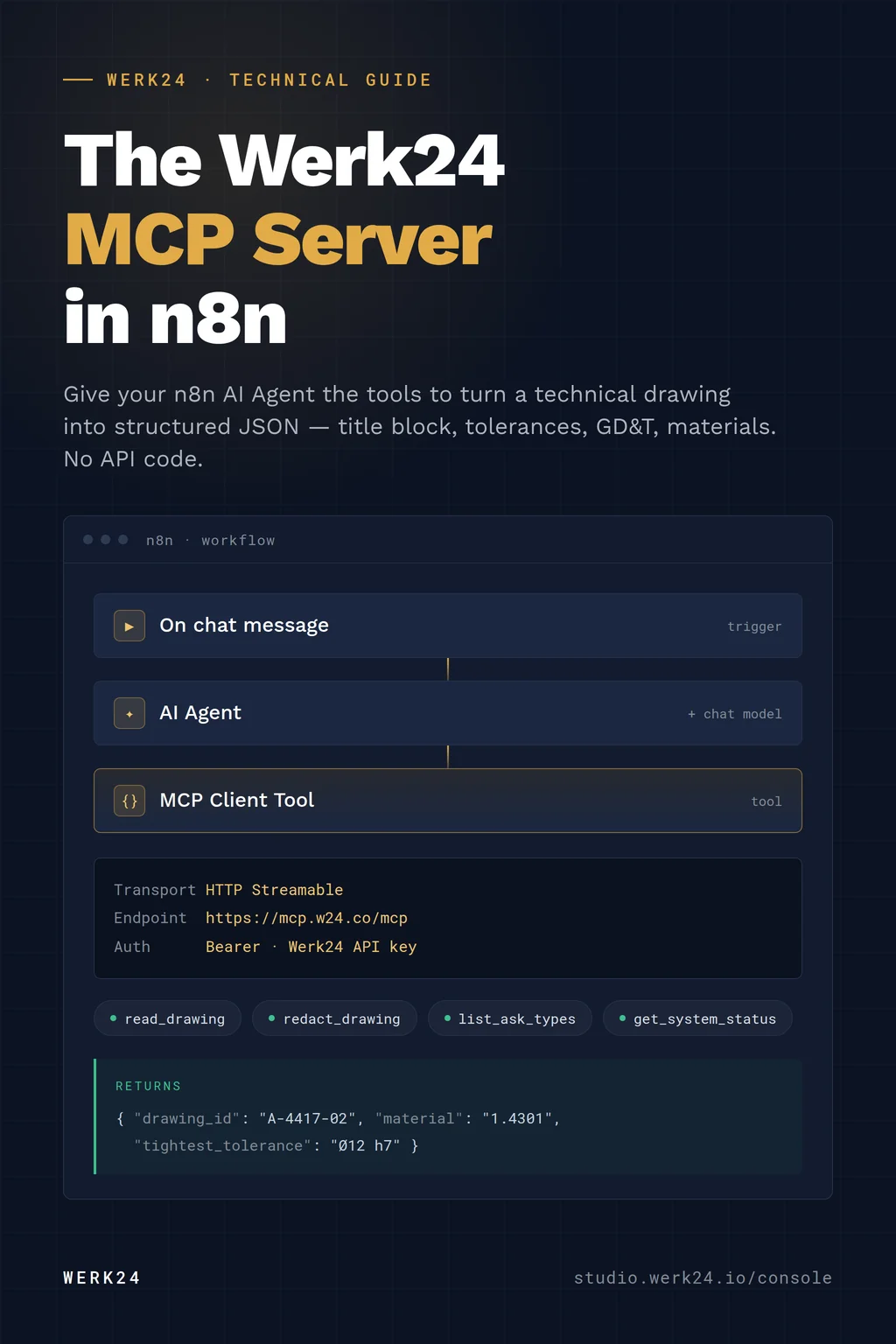
  • How to Add the Werk24 MCP Server to n8n

    How to Add the Werk24 MCP Server to n8n

    Aug 28, 2026 · Written by Jochen Mattes

    Connect the Werk24 MCP server to n8n in five steps, so an AI Agent in your workflow can read technical drawings and return structured data.

    Leggi articolo

  • No More Silent Webhook Failures: Werk24 Now Emails You When a Callback Fails

    No More Silent Webhook Failures: Werk24 Now Emails You When a Callback Fails

    Jul 29, 2026 · Written by Jochen Mattes

    When Werk24 can't deliver a result to your webhook endpoint, we now email you exactly what went wrong and how to fix it — instead of letting the failure disappear.

    Leggi articolo
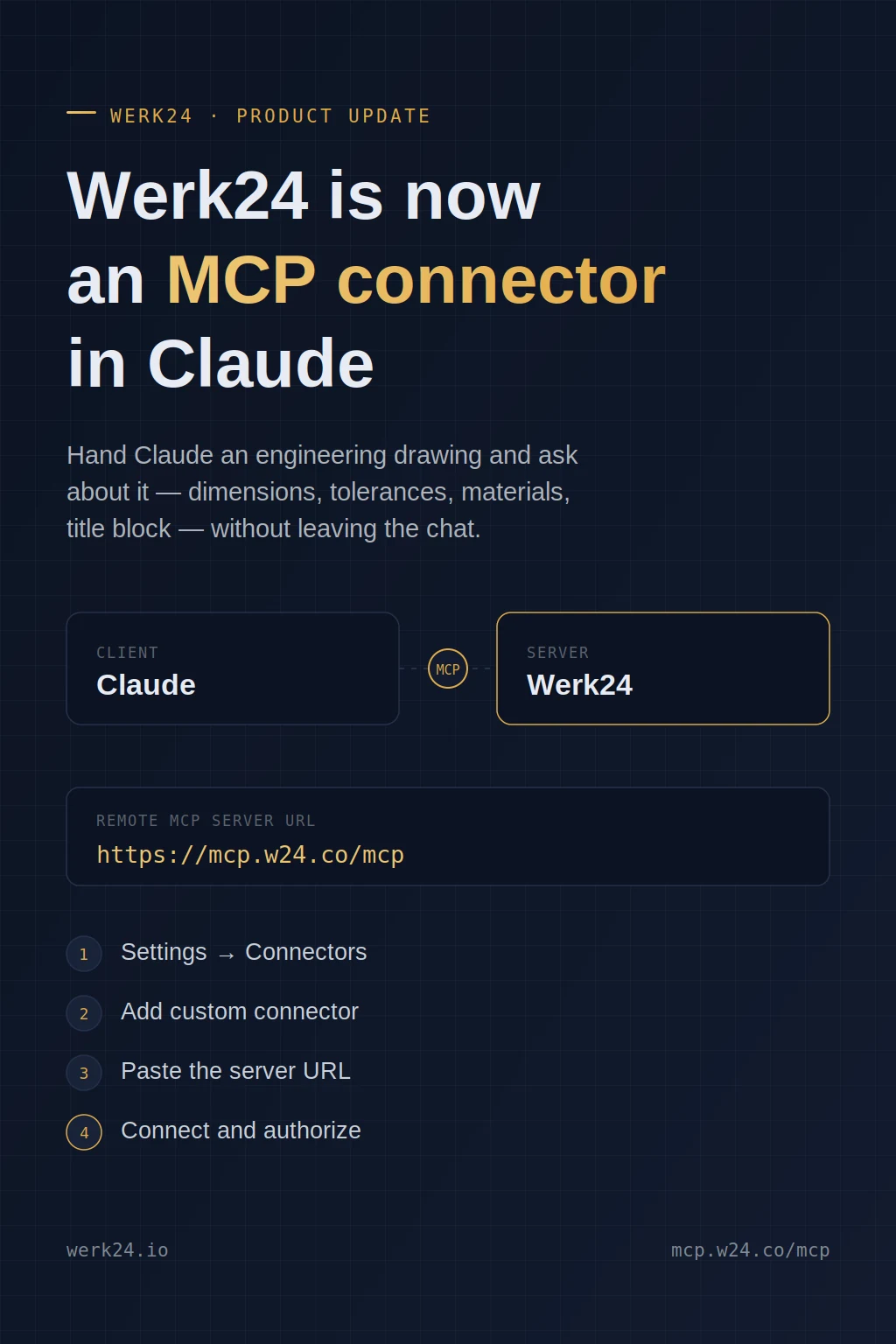
  • Add Werk24 as an MCP Connector in Claude

    Add Werk24 as an MCP Connector in Claude

    Jul 28, 2026 · Written by Jochen Mattes

    Werk24 now runs a remote MCP server. Add https://mcp.w24.co/mcp as a custom connector in Claude and ask questions about engineering drawings backed by real extraction — not pixel-reading.

    Leggi articolo
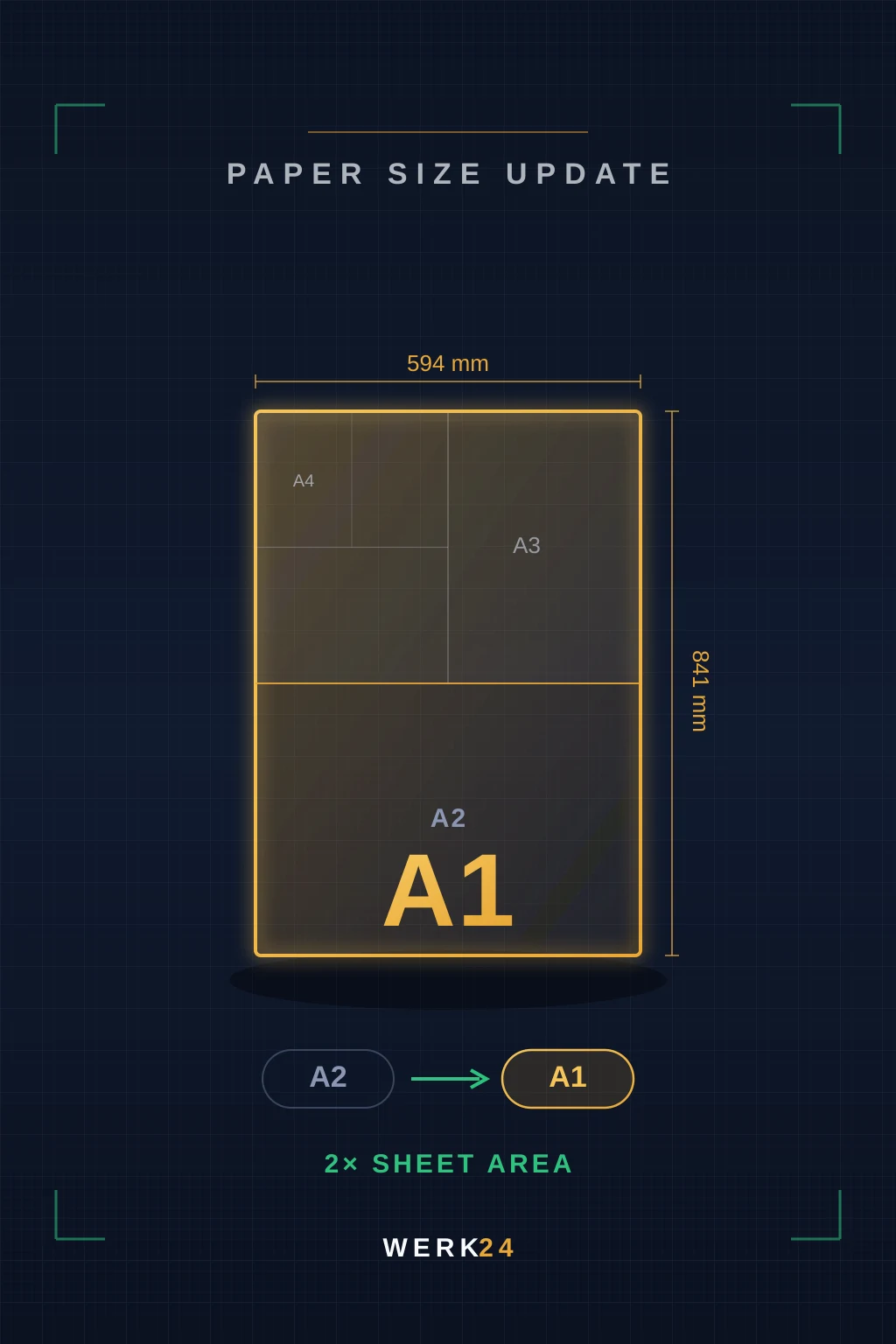
  • We Now Support A1 Drawings

    We Now Support A1 Drawings

    Jul 14, 2026 · Written by Jochen Mattes

    Werk24 now processes technical drawings up to A1 (594 × 841 mm), doubling the previous A2 sheet-area limit for automated extraction.

    Leggi articolo
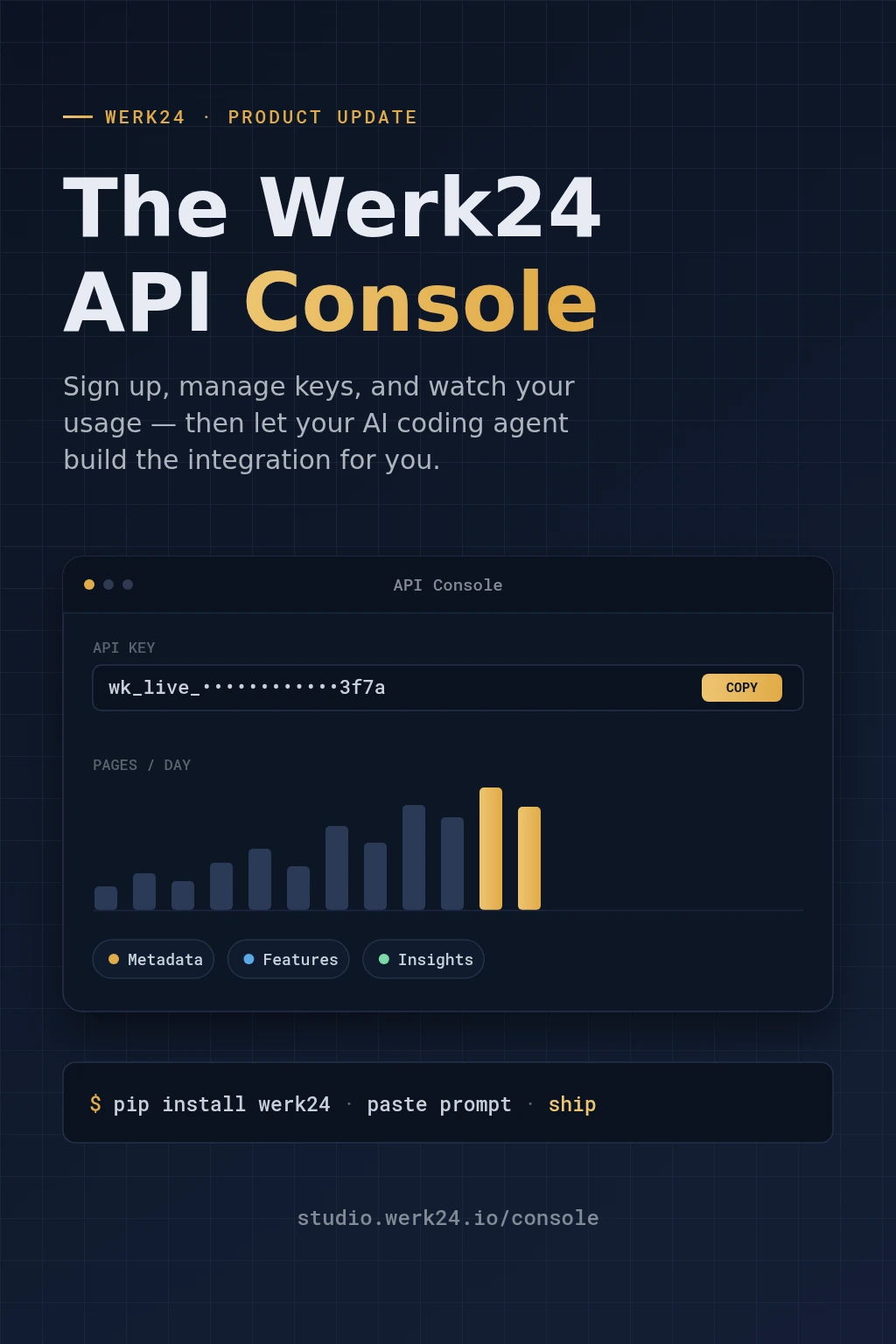
  • Meet the Werk24 API Console: From Sign-Up to a Working Integration in an Afternoon

    Meet the Werk24 API Console: From Sign-Up to a Working Integration in an Afternoon

    Jul 13, 2026 · Written by Jochen Mattes

    A self-service home for the Werk24 API — sign up, manage keys, watch your usage, and generate a ready-to-paste prompt that lets your AI coding agent build the integration for you.

    Leggi articolo
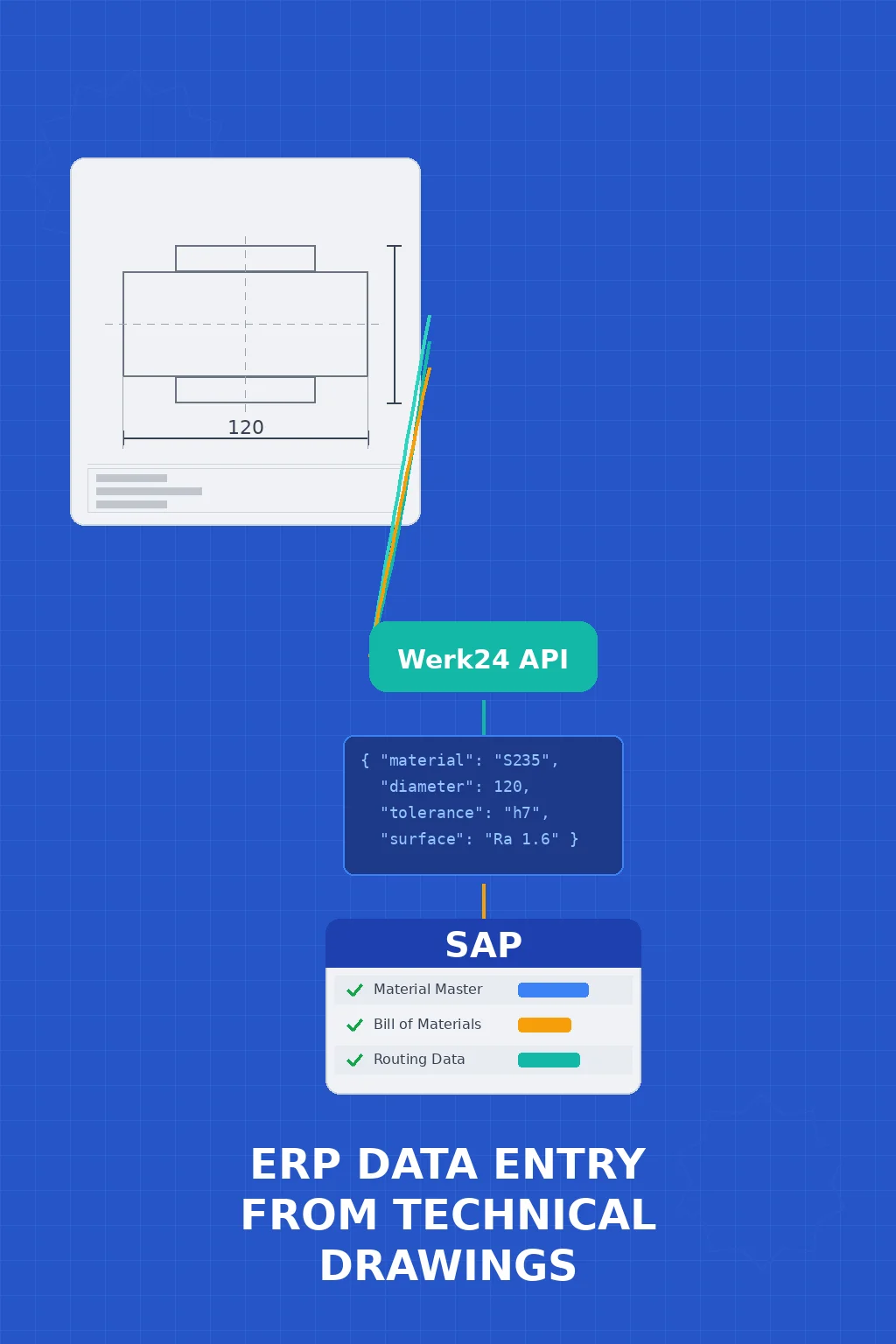
  • How to Automate ERP Data Entry from Technical Drawings with SAP

    How to Automate ERP Data Entry from Technical Drawings with SAP

    May 26, 2026 · Written by Jochen Mattes

    Step-by-step guide to connecting Werk24's drawing extraction API with SAP to auto-populate material masters, BOMs, and routing data from 2D technical drawings.

    Leggi articolo
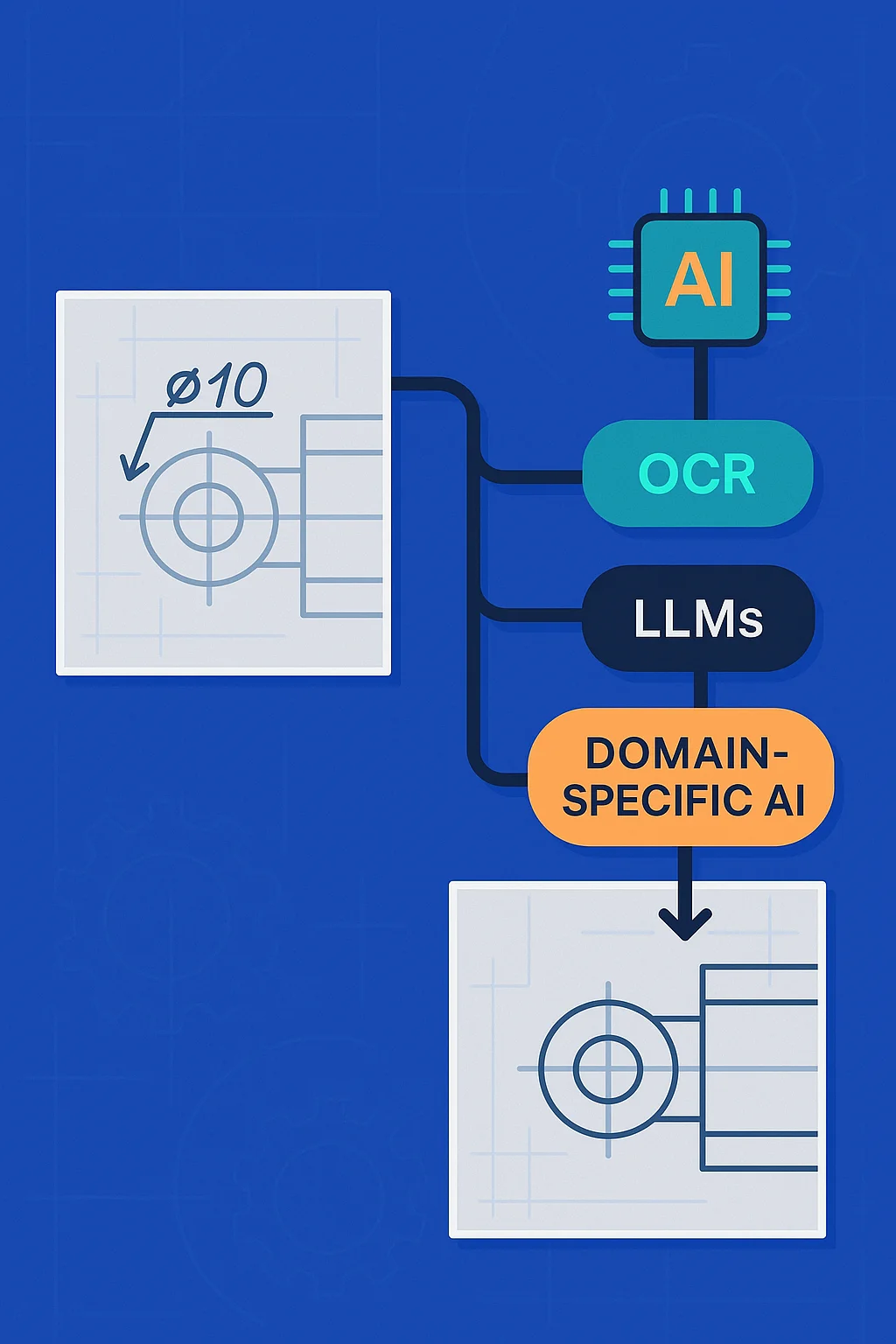
  • Beyond Manual RFQ Data Extraction: Practical Alternatives (and Why Generic LLMs Still Fall Short on Technical Drawings)

    Beyond Manual RFQ Data Extraction: Practical Alternatives (and Why Generic LLMs Still Fall Short on Technical Drawings)

    Dec 24, 2025 · Written by Jochen Mattes

    Explore practical alternatives to manual RFQ data extraction from technical drawings, including OCR, LLMs, and domain-specific AI solutions.

    Leggi articolo
  • From Drawing to Your Data Model: Customer-Specific Output Schemas for Canonical Part Descriptions

    From Drawing to Your Data Model: Customer-Specific Output Schemas for Canonical Part Descriptions

    Dec 24, 2025 · Written by Jochen Mattes

    Learn how Werk24 transforms technical drawings into customer-specific output formats, creating canonical part descriptions that integrate seamlessly with E...

    Leggi articolo
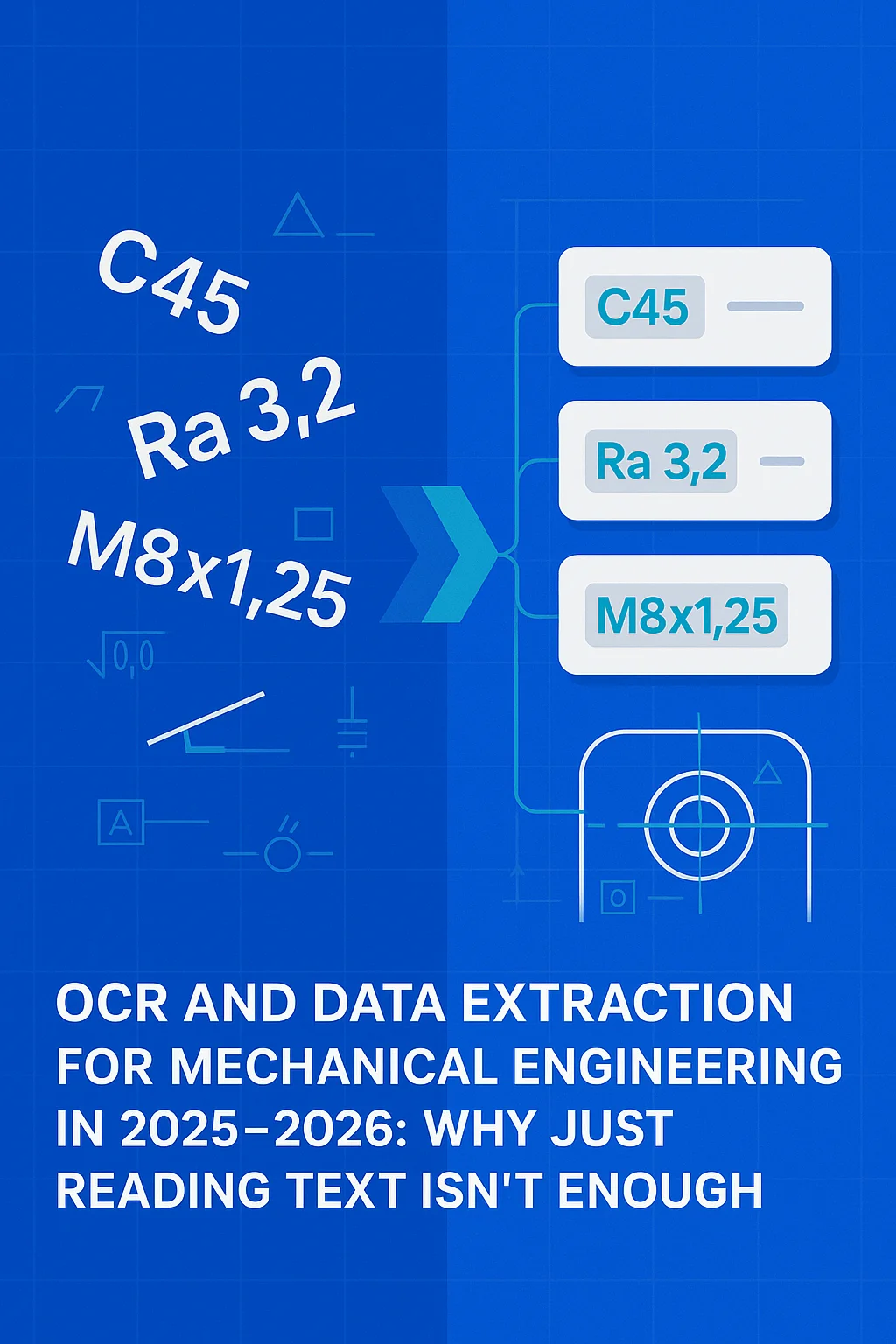
  • OCR ed estrazione dei dati per l'ingegneria meccanica nel 2025-2026: perché la sola lettura del testo non è sufficiente

    OCR ed estrazione dei dati per l'ingegneria meccanica nel 2025-2026: perché la sola lettura del testo non è sufficiente

    Dec 24, 2025 · Written by Jochen Mattes

    Scoprite perché l'OCR generico fallisce per i disegni tecnici e come l'estrazione di dati strutturati trasforma i flussi di lavoro dell'ingegneria meccanica nel 2025-2026.

    Leggi articolo
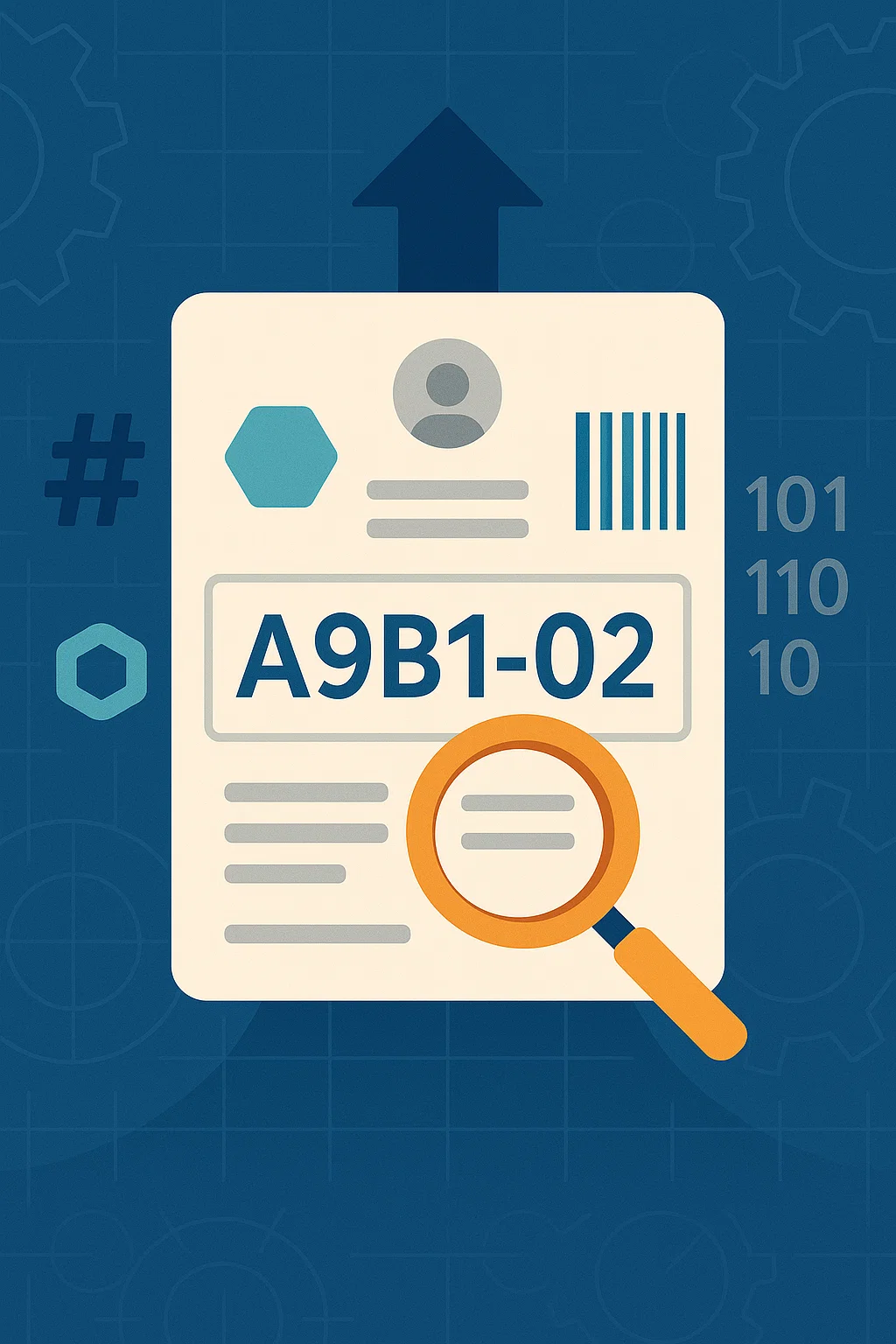
  • Werk24 Expands Identifier Support: Tackling the Messy World of Numbers, Codes, and IDs

    Werk24 Expands Identifier Support: Tackling the Messy World of Numbers, Codes, and IDs

    Sep 04, 2025 · Written by Jochen Mattes

    Werk24-Client 2.2.0 adds new identifier types to tame the tangle of numbers, codes and IDs. Learn more about AI-powered automation in manufacturing workflows.

    Leggi articolo
Avanti
Werk24 AI-powered technical drawing analysis

Werk24 trasforma i disegni tecnici in dati strutturati e utilizzabili - per RFQ, analisi di fattibilità e pianificazione della qualità.

W24 Service GmbH
Therese-Studer-Straße 14
80797 Monaco, Germania
info@werk24.io · +49 89 68970246
LinkedInGithubPyPi.org
Prodotto
FunzionalitàDisegni supportatiOutput personalizzatoPrezzi
Risorse
Documentazione per sviluppatoriBase di conoscenzaStato del sistemaBlogFeed RSS
Azienda
ContattoStampaCarriereInformativa sulla privacyGDPRTermini e condizioniColophon
© Werk24 — Tutti i diritti riservati.·Scegli la residenza dei dati: UE o USA • crittografato durante la trasmissione e l'archiviazioneC1 — Public